Physical Address
304 North Cardinal St.
Dorchester Center, MA 02124
Physical Address
304 North Cardinal St.
Dorchester Center, MA 02124

 |
|
| Rating: 4.5 | Downloads: 1,000,000+ |
| Category: House & Home | Offer by: GeoLoc |
Camy — Live Video CCTV allows users to view and manage live feeds from their security cameras remotely via smartphone or tablet. The app connects to various IP cameras and CCTV systems, offering real-time monitoring, playback, and control functionalities. It is designed for individuals needing peace of mind, business owners overseeing remote locations, and families ensuring the safety of their loved ones, regardless of physical presence.
Its key value lies in providing immediate access to security footage anywhere with an internet connection, offering peace of mind and enabling quick response to potential security issues. The app enhances practical usage by simplifying complex CCTV setups, allowing users to monitor homes, offices, or stores proactively and efficiently, making physical surveillance less reliant for routine checks.
| App Name | Highlights |
|---|---|
| Reolink |
This app is known for its extensive camera compatibility range, including battery-operated models. Offers robust mobile viewing options and advanced customization features. |
| Hikvision |
Designed specifically for Hikvision hardware, this app provides seamless integration and management features optimized for their camera lineup. Focuses on enterprise-level performance and reliability. |
| Wyze |
Emphasizes affordability and ease of use. Includes AI features like activity zones and alerts. Offers good mobile experience with budget-friendly hardware and software packages. |
Q: How do I connect my existing CCTV camera to the Camy — Live Video CCTV app?
A: Compatibility varies by camera brand and model. Check the app’s website or settings for a list of supported devices. Generally, you’ll need to find your camera’s IP address and credentials (username/password or RTSP stream details) and enter them into the Camy app during setup.
Q: Does using Camy — Live Video CCTV consume a lot of mobile data?
A: Yes, constant live streaming and frequent playback of high-resolution footage require data. We recommend using Wi-Fi for continuous viewing and enabling data-saving features (like offline recording or reduced resolution) when mobile data is the only option. Monitor your data usage in your phone’s settings.
Q: Can I receive notifications for unusual activity even when the app isn’t open?
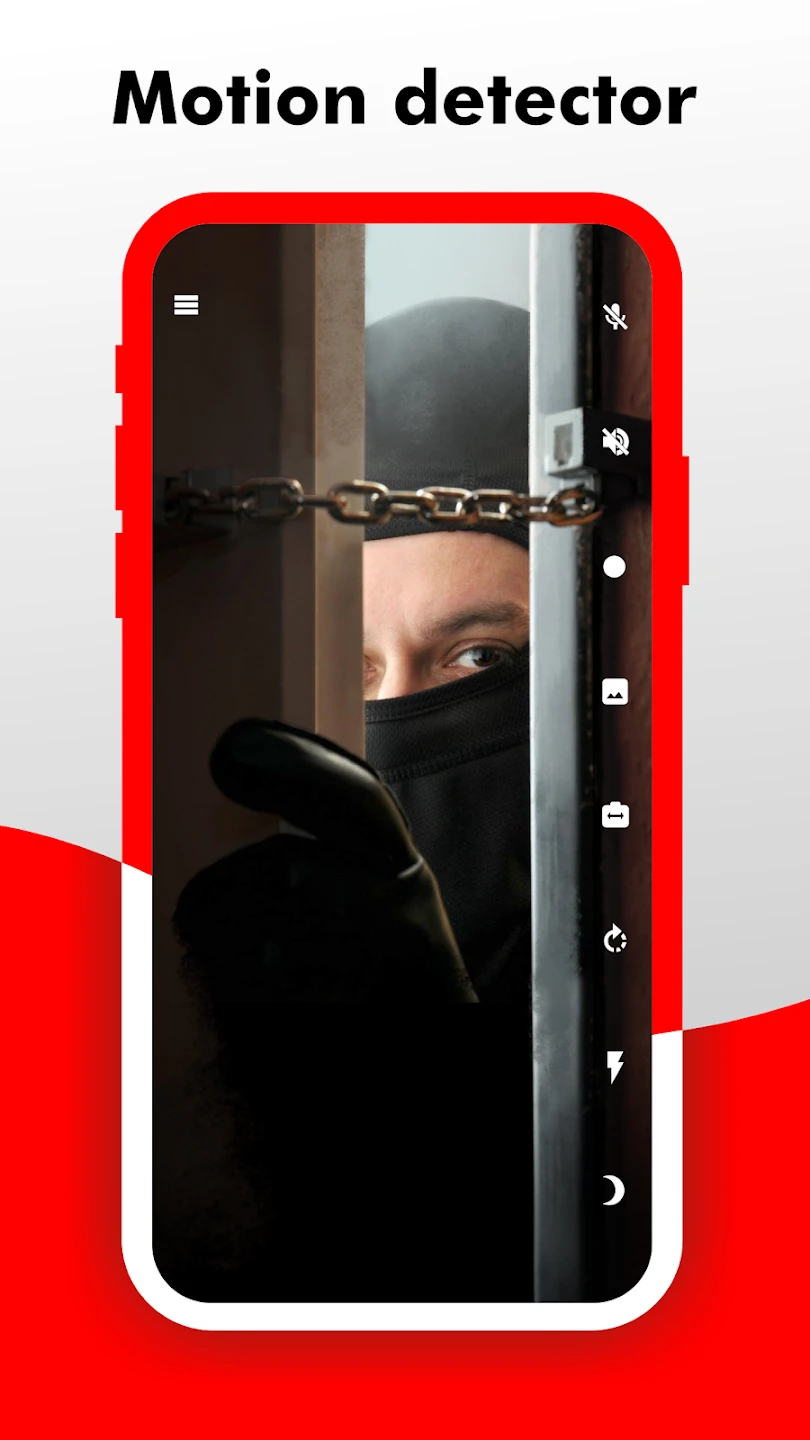
A: Absolutely, Camy allows you to configure motion detection and alert zones on specific cameras. When motion is detected, you will receive push notifications directly on your smartphone, even if the app is closed. Ensure your device notifications are enabled for the app itself.
Q: What happens if my internet connection goes down while using the app?
A: If your internet connection is lost, live view will stop, and the app will typically display a message. Accessing recorded footage stored locally on your camera or network video recorder (NVR) might still be possible, depending on your camera/NVR settings and local network accessibility. Remote access features like live view or cloud storage will not function without an internet connection.
Q: Can I share camera feeds with family members securely using Camy?
A: Yes, the app includes user management features. You can create accounts for family members or trusted contacts, assign specific permissions (view-only access), and manage their access directly from your Camy settings panel, ensuring secure and controlled sharing.
 |
 |
 |
 |
Camy — Live Video CCTV App Download |
|
|---|---|
 |
 |



